By day or by place
Tap a photo's date or location and review just that day or that place.
For iPhone · iOS 26
One photo, one decision. Swipe right to keep, left to delete and up to mark a favorite. Nothing is deleted until you say so.
How it works
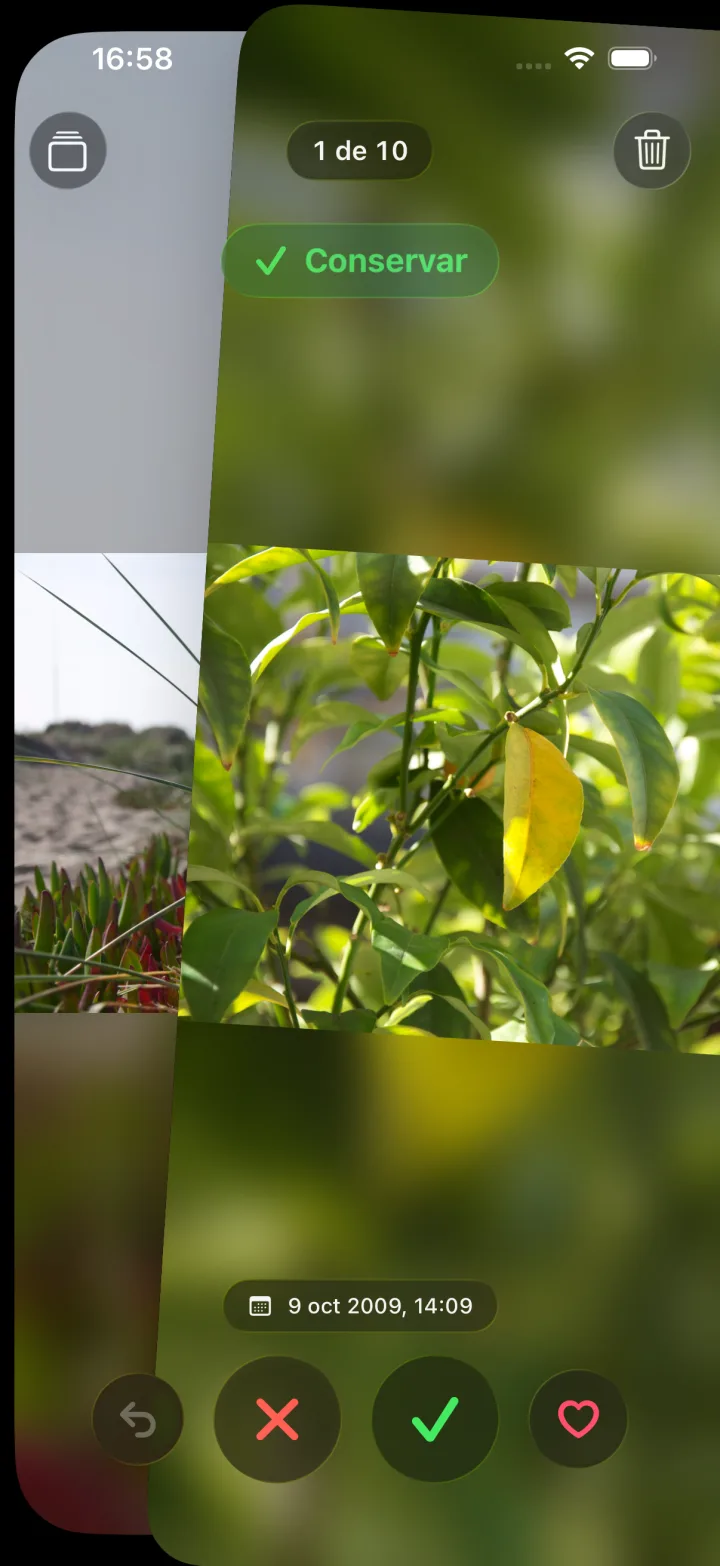
Every photo full screen. Right to keep, left to delete, up for favorite. Pinch to zoom and undo whenever you want.
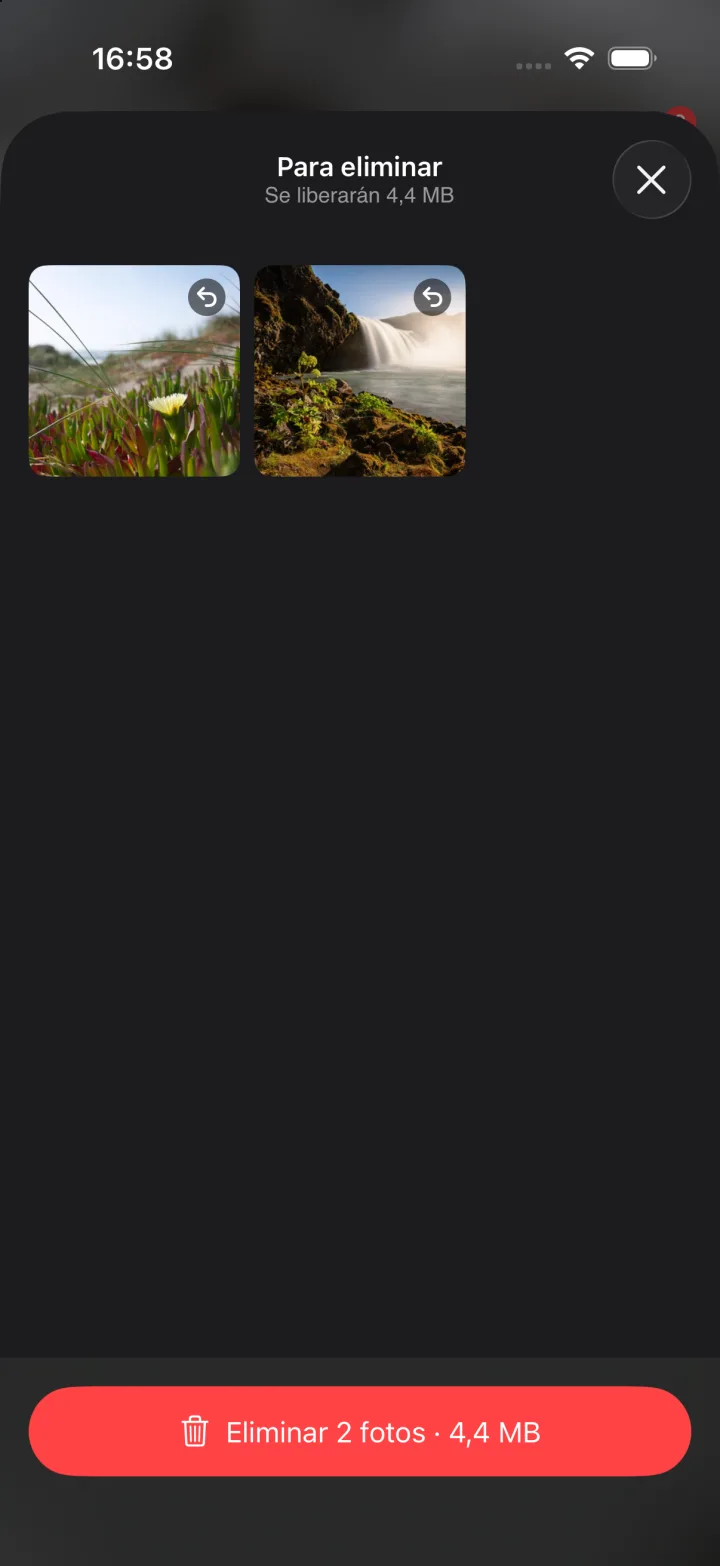
Discarded photos wait in the trash with the space they take up. Restore any you want before confirming.
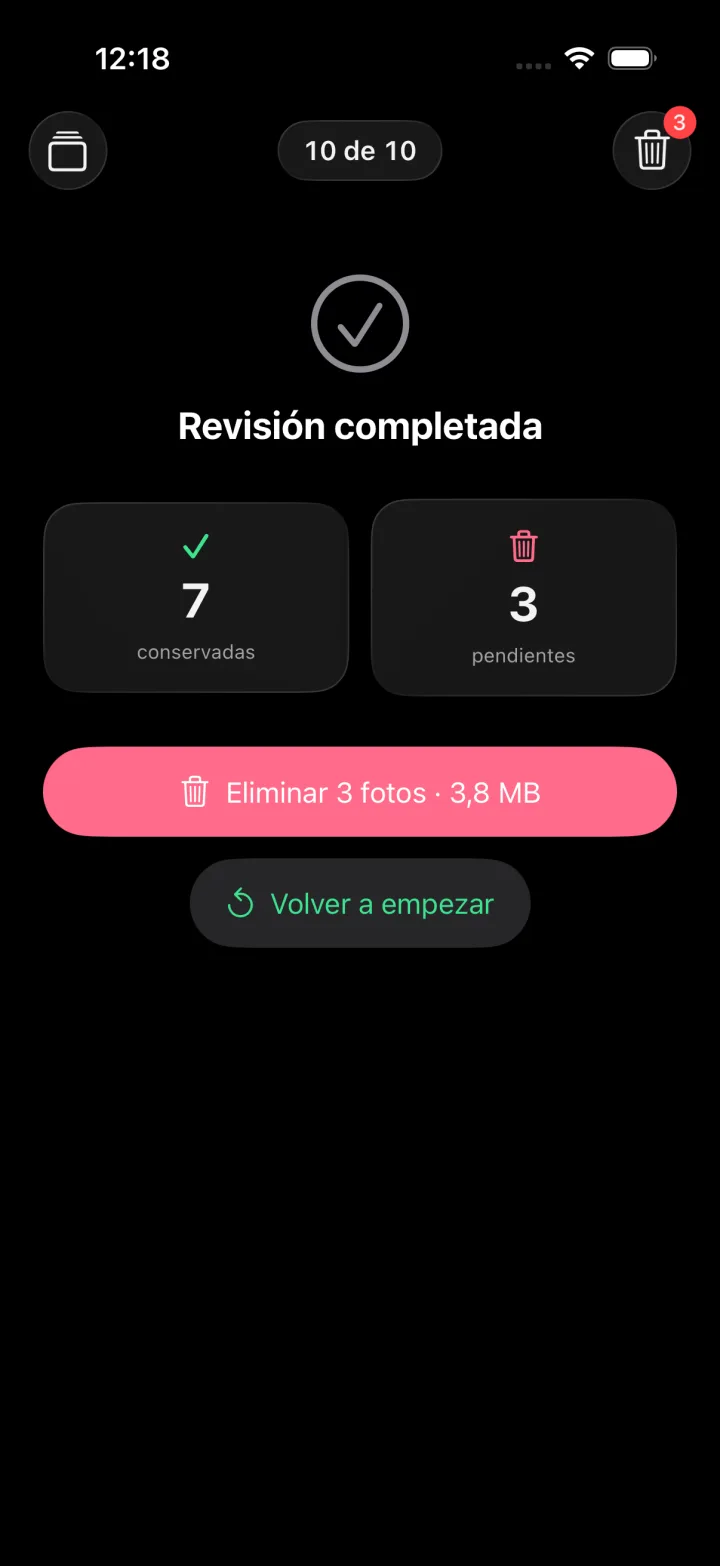
One confirmation and they move to Recently Deleted in Photos, recoverable for 30 days. Criba tells you how many MB you freed.
Features
Criba doesn't dump 10,000 photos on you: it helps you pick where to start.
Tap a photo's date or location and review just that day or that place.
Screenshots, selfies, videos, a trip or a shared album. In shared albums, remove from the album without deleting.
Finds documents and receipts, blurry photos and groups of similar shots. Nothing is uploaded anywhere.
Looping playback with a progress bar, mute and the size of each clip. Review photos, videos or both.
A widget with the space you've freed and Shortcuts like “Review screenshots in Criba”.
One-tap undo, a trash before deleting and 30 more days in Photos. Works with VoiceOver, Dynamic Type and Reduce Motion.
Privacy
Criba has no accounts, uploads nothing to any cloud and shows no ads. Document, blur and similarity analysis runs on your phone's chip.
Pricing
Try it free every day. Go Pro whenever you want to remove the limit.
Free
$0forever
Criba Pro
Unlimited$9.99per year
7-day free trial
$19.99one-time
Forever, no renewals
Available inside the app
US prices shown; other countries follow Apple's price tiers. Purchases are handled by Apple.
FAQ
No. Swiping left only sends the photo to Criba's trash. Only when you tap “Delete” and accept the iOS confirmation do they move to Recently Deleted in Photos, where they stay recoverable for 30 days.
No. Criba has no server and no accounts. The only things that leave the device are a photo's coordinates when you ask for a place name (Apple Maps) and the purchase receipt when you go Pro (Apple and RevenueCat).
Yes. If a photo is only in iCloud, Criba downloads it when shown (you'll see a progress ring). Deleting it removes it from iCloud too, just like the Photos app would.
In a shared album, swiping left removes the photo from the album instead of deleting it, since it may not be yours.
Everything, with a limit of 30 decisions a day. Criba Pro removes the limit with a yearly subscription (7-day trial) or a one-time lifetime purchase.
Five minutes a day and your library is yours again.